Connecting Power BI to the EMC Dashboard
It’s possible to connect to EMC’s dashboard data as if it is a Postgresql Database. This allows you to use SQL to get data from the analytics layer of EMC that powers EMC dashboards. Simplifying business rules and logic.
Power BI Setup
-
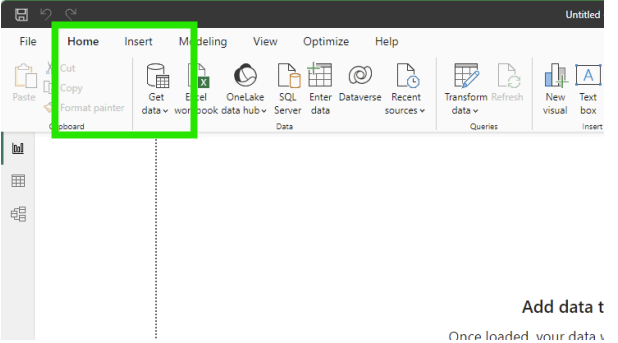
In PowerBI, Click on the Get data button
-
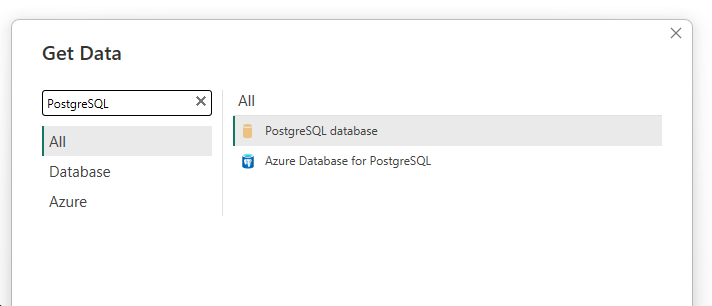
Search for PostgreSQL in the list of data sources and click connect
-
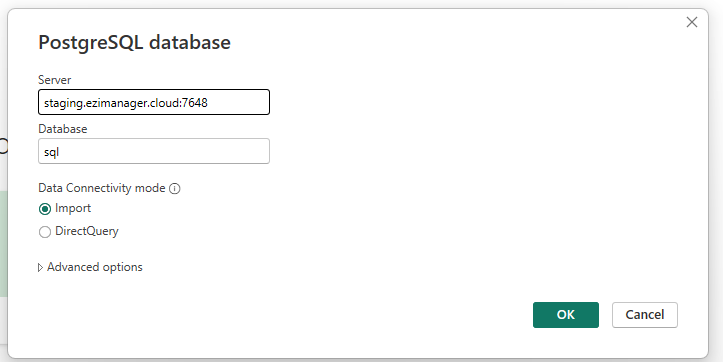
Type in the EMC server you are connecting to, the port number 7648 and sql as the database. The Data Connectivity mode can be set as needed to either option.
-
Enter your EMC user credentials
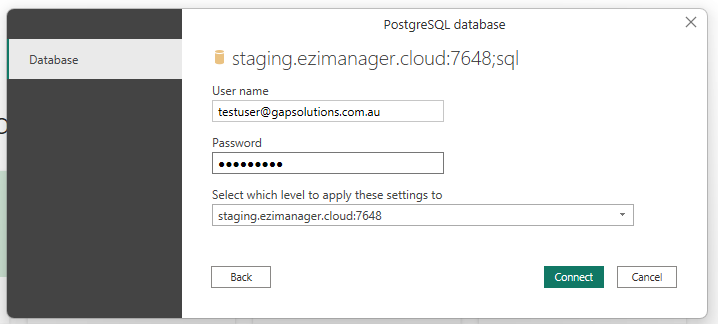
-
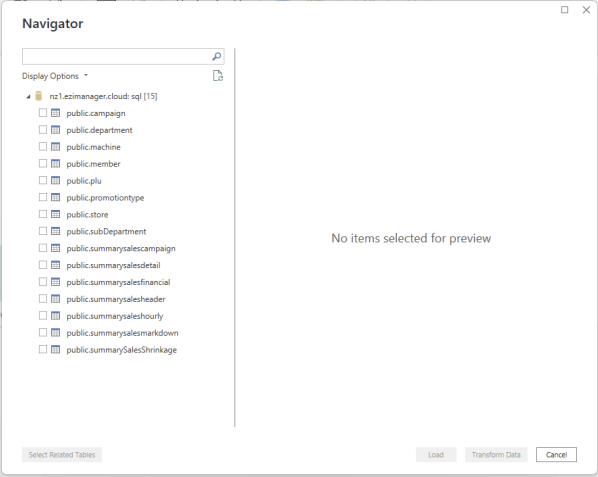
Select the data tables you want to add to your dashboard