Visa Giftcard Loading Fees
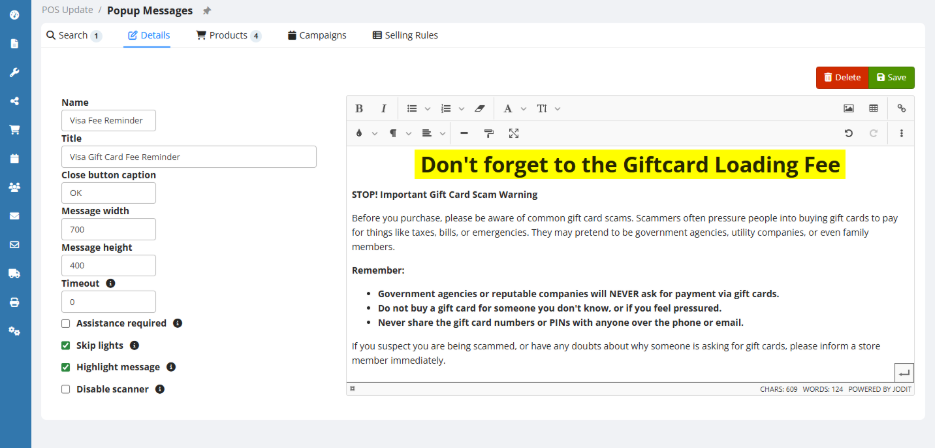
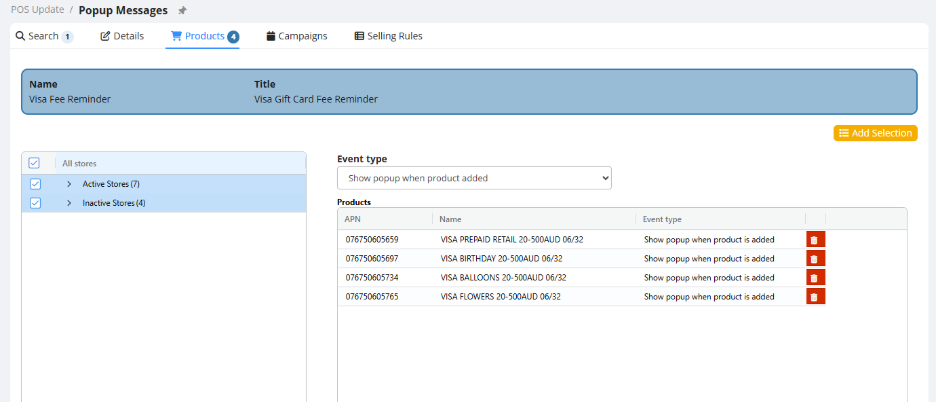
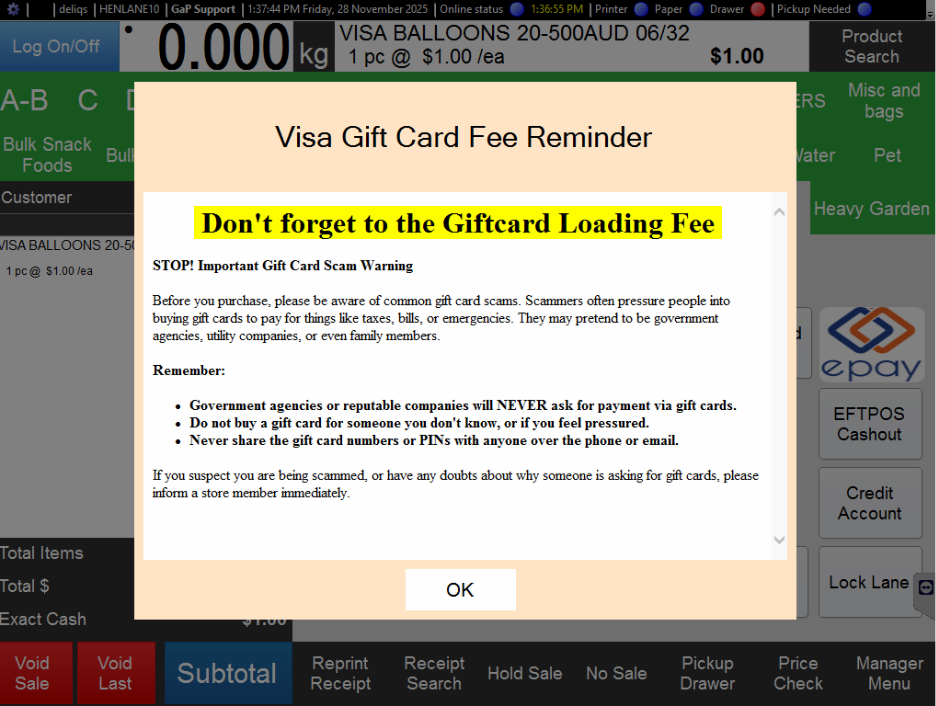
Visa prepaid giftcards often have a additional loading fee. POS can't automatically add the loading fee for variable price giftcars (yet) so it's upto the checkout operator to add this fee as a separate product to the transaction. The steps below will show you how to create the product and also how to configure a reminder for the checkout staff.
Create the Fee Product
Create a new Product called “Giftcard Loading Fee” Set the Department, Active Status, GST and Sell.
Optionaly set the barcode
-
Add the new product to a Flipchart OR print a shelf label for the product.
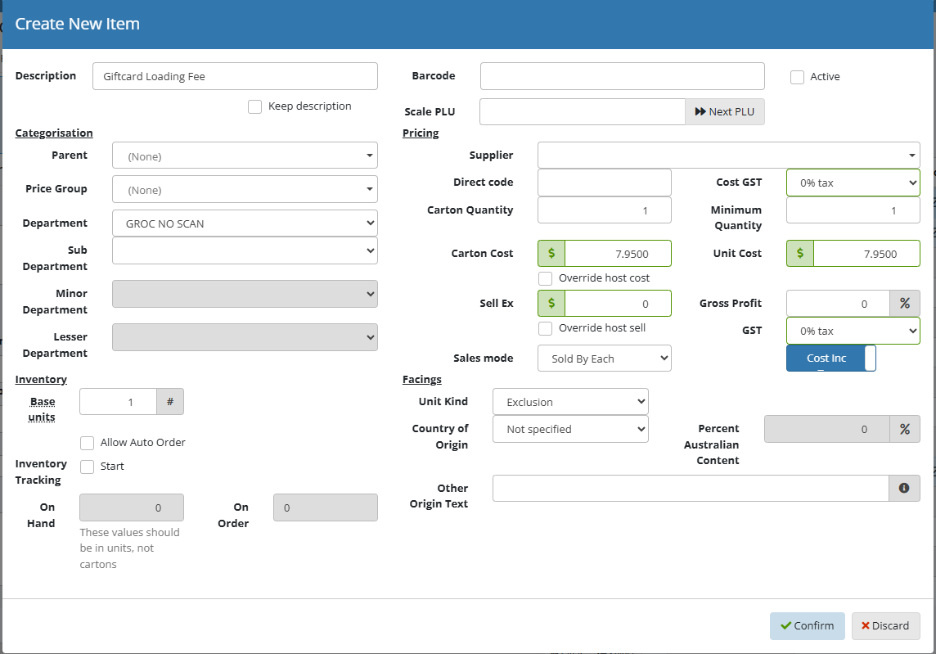
When a Variable Visa Giftcard is sold, add the Giftcard Loading Fee product to the transaction by selecting it from the flipchart, scanning the barcode or using product search.
Setup a Popup message reminder for checkout staff. THis can be setup in the POS Update > Popup Messages section of EMC